How do I set up In-App Purchase Key Configuration (iOS)?
Purpose
This guide will walk you through setting up the In-App Purchase Key in App Store Connect, which is required to enable server-to-server communication between Apple and RevenueCat. This configuration allows your Memorang-powered app to securely track and validate in-app purchases and subscriptions made on iOS devices.
Steps: Setting up In-App Purchase Key Configuration
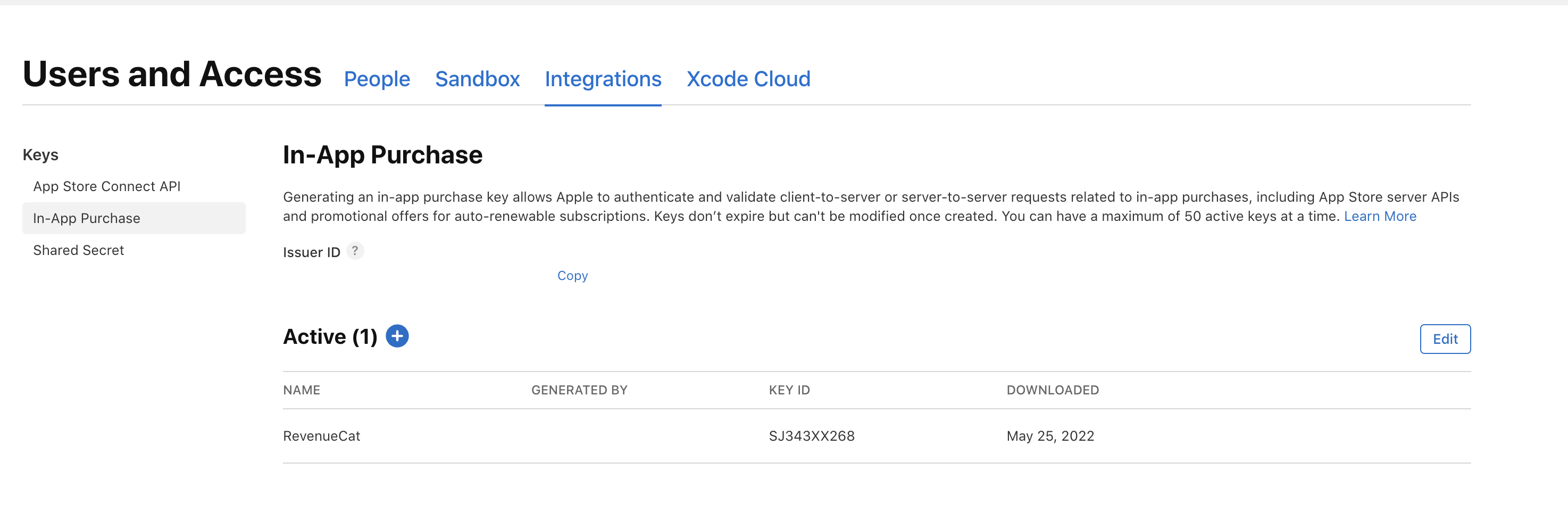
Navigate to Users and access by clicking on this link: https://appstoreconnect.apple.com/access/users
Click on the "Integration" tab, select "In-App Purchase," then click the "+" icon.
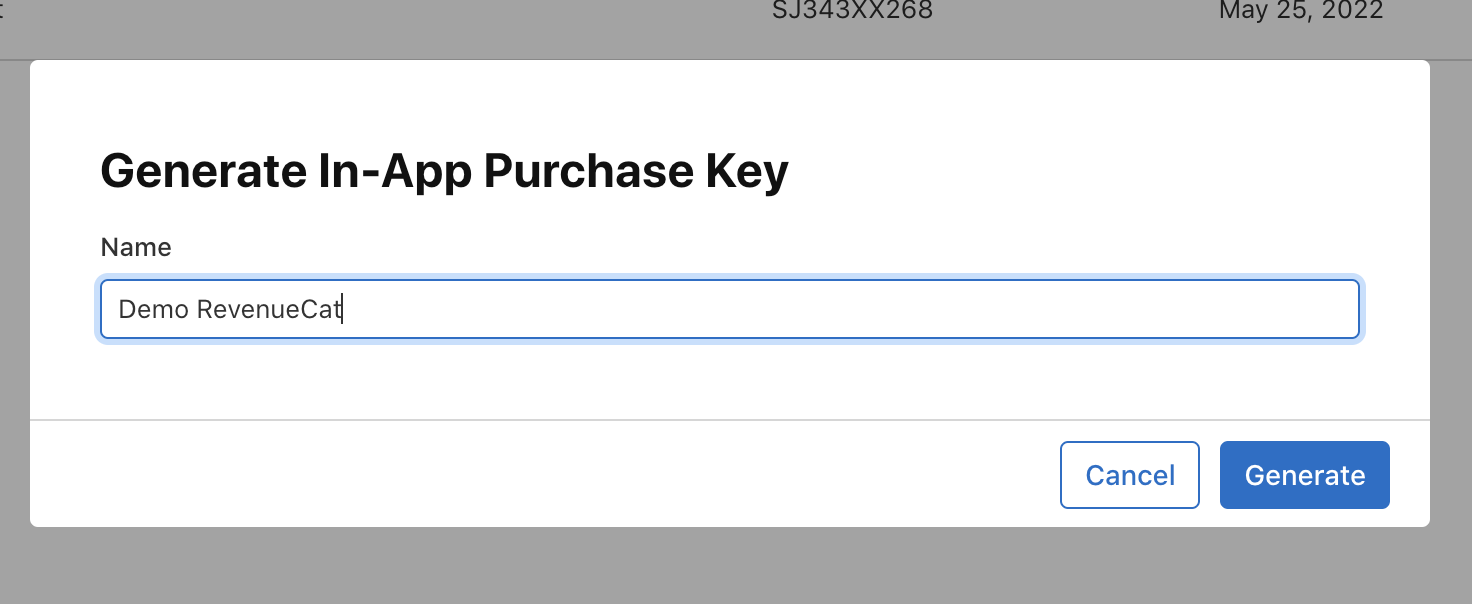
Enter the name and click generate
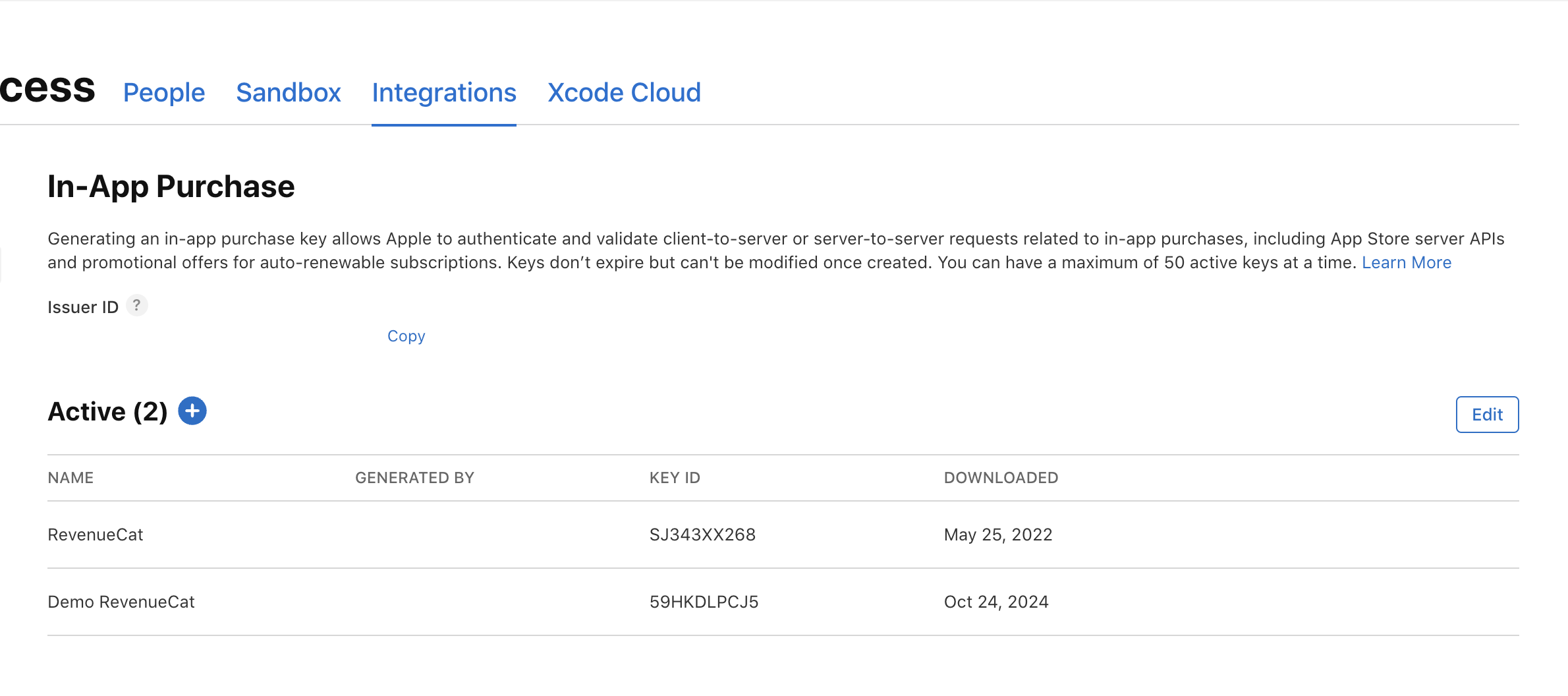
Click on Download In-App Purchase key and Copy the key id
In the same tab, copy the issuer id