How do I generate an app-specific shared secret?
Purpose
This guide will help you generate an App-Specific Shared Secret in App Store Connect. This secret is required by RevenueCat to validate subscription receipts for iOS in-app purchases. Providing this key ensures that your Memorang-powered app can securely verify and manage user subscriptions on iOS devices.
Steps: Generating an app specific shared secret
Log in to App Store Connect
Navigate to "My Apps" and select your app
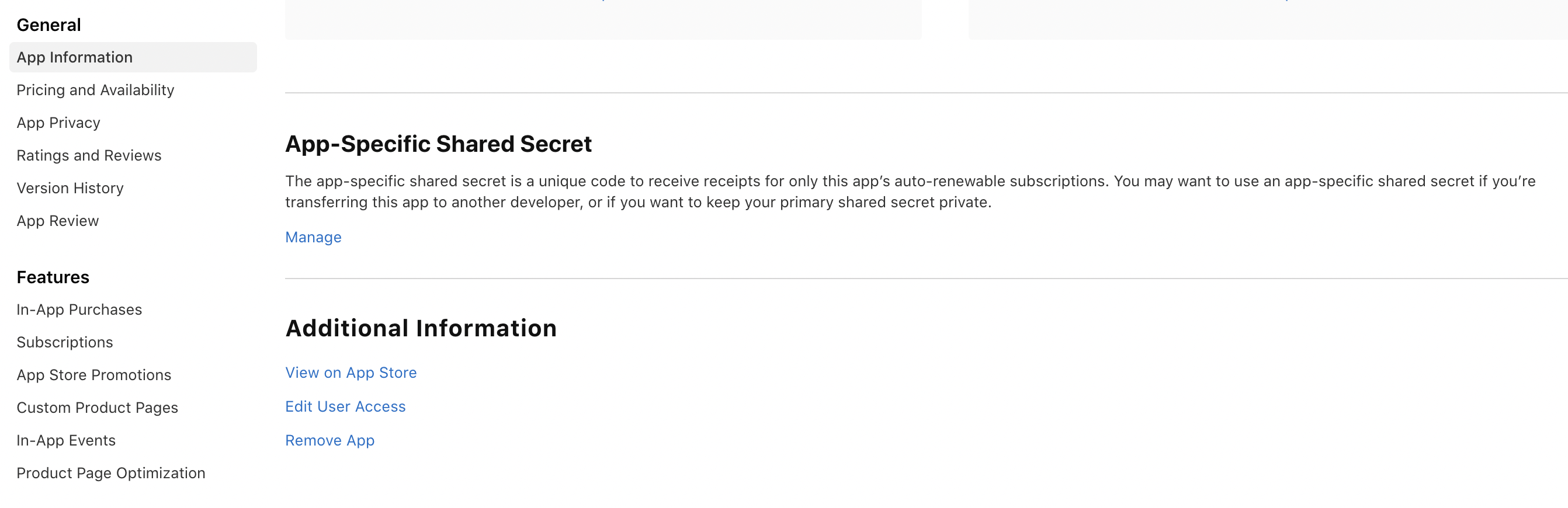
Select "App Information" under the "General" section from the left side menu
Select "Manage" under the App-Specific Share Secret section from the right side
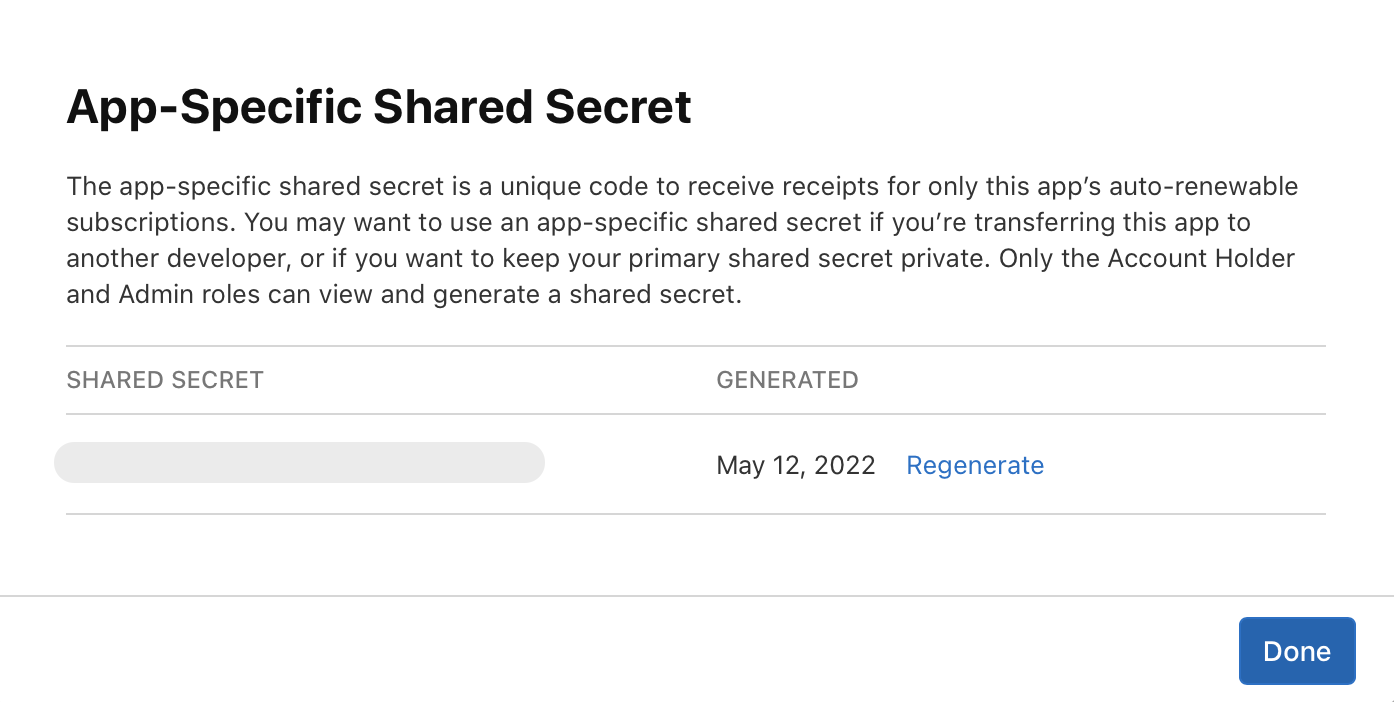
Generate and copy your shared secret