How do I set up android app in OneSignal?
Purpose
This guide explains how to set up your android app in OneSignal to enable push notifications and messaging automation in your Memorang-powered mobile app. By completing this setup, you’ll be able to send real-time notifications to iOS users through OneSignal, including onboarding messages, retention campaigns, and other customer communication flows.
Steps: Setting up android app
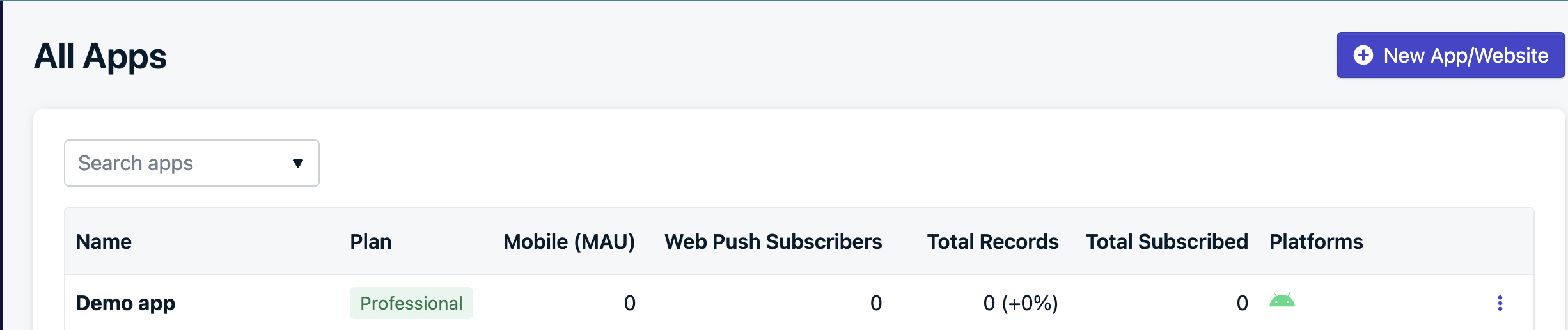
Go to the OneSignal dashboard https://dashboard.onesignal.com/apps?page=1 and click on the "New App/Website" button in the top right corner.
Give your app a name and select the Android icon
Select Configure your platform
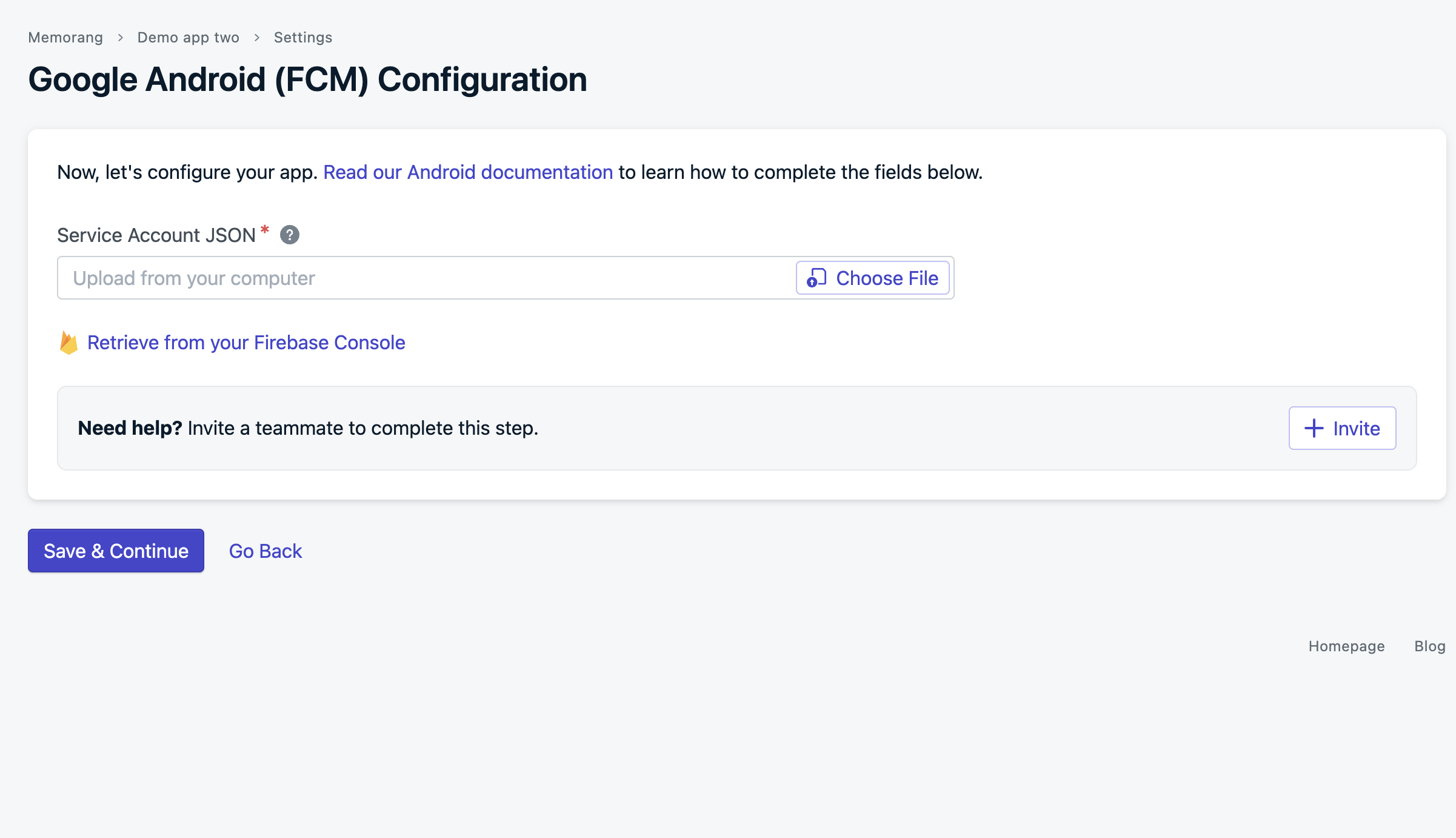
Click on "Choose File" and select the JSON file you downloaded by following this guide. Then click "Save and Continue".
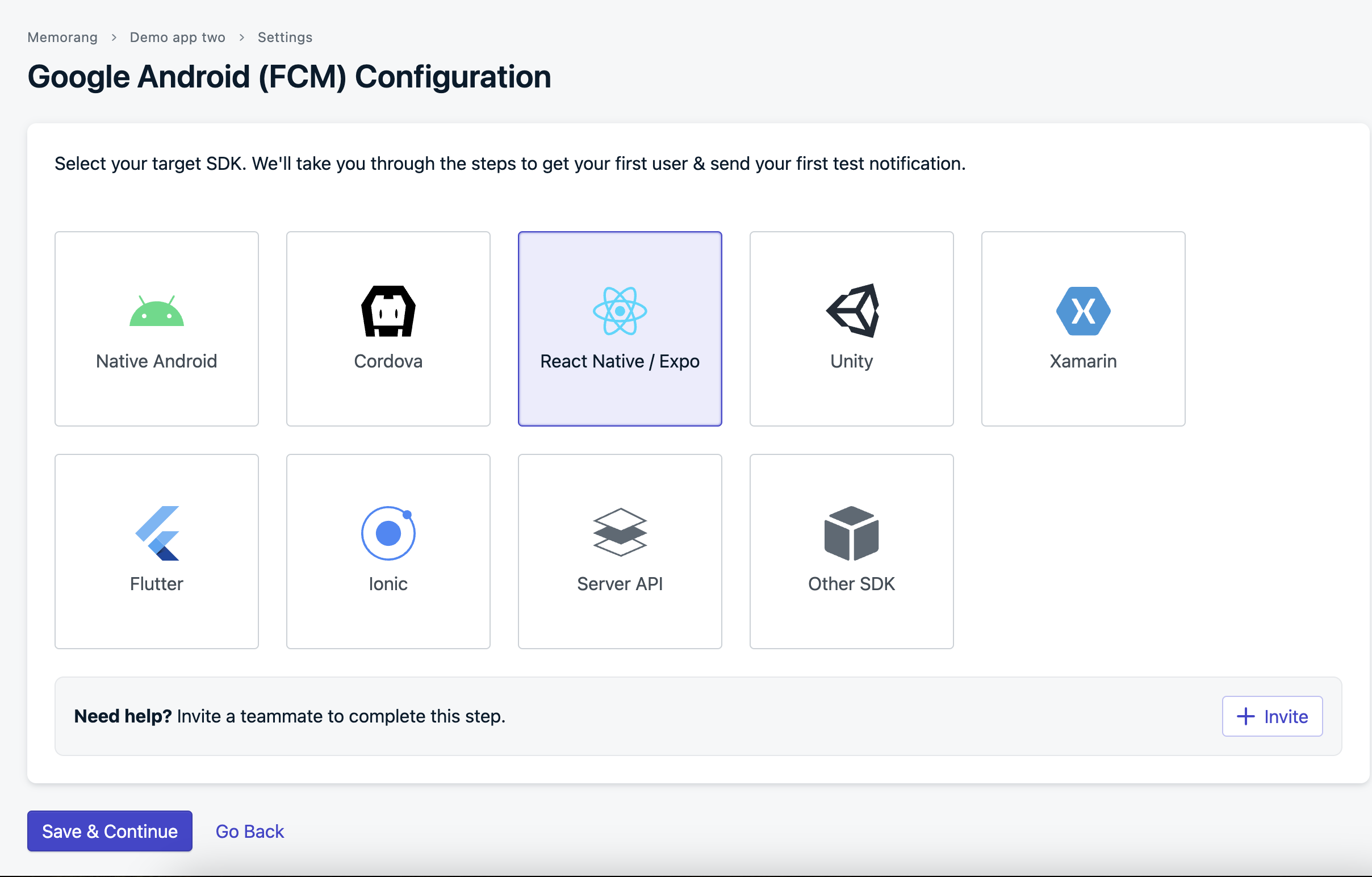
Select "React Native" and click "Save and Continue".
Click done in the next screen