
FAQ for Access Code Issues
Here are some simple techniques for debugging user issues related to Access Codes
My user is not receiving any emails
The most common reason a user is not receiving emails is due to being filtered by their organization. This is especially common with .edu domains or companies with strict anti-spam policies.
Have your user check their Spam, Trash, and Recently Deleted folders in their inbox for the email.
If the email still cannot be found, have them contact their school or company's IT department and ask them to release the emails from quarantine.
To fix this temporarily, you can edit the user's email in Memorang Hub to a personal email that might have less strict email spam filters, then have the user try again. This will resend the email to their new address.
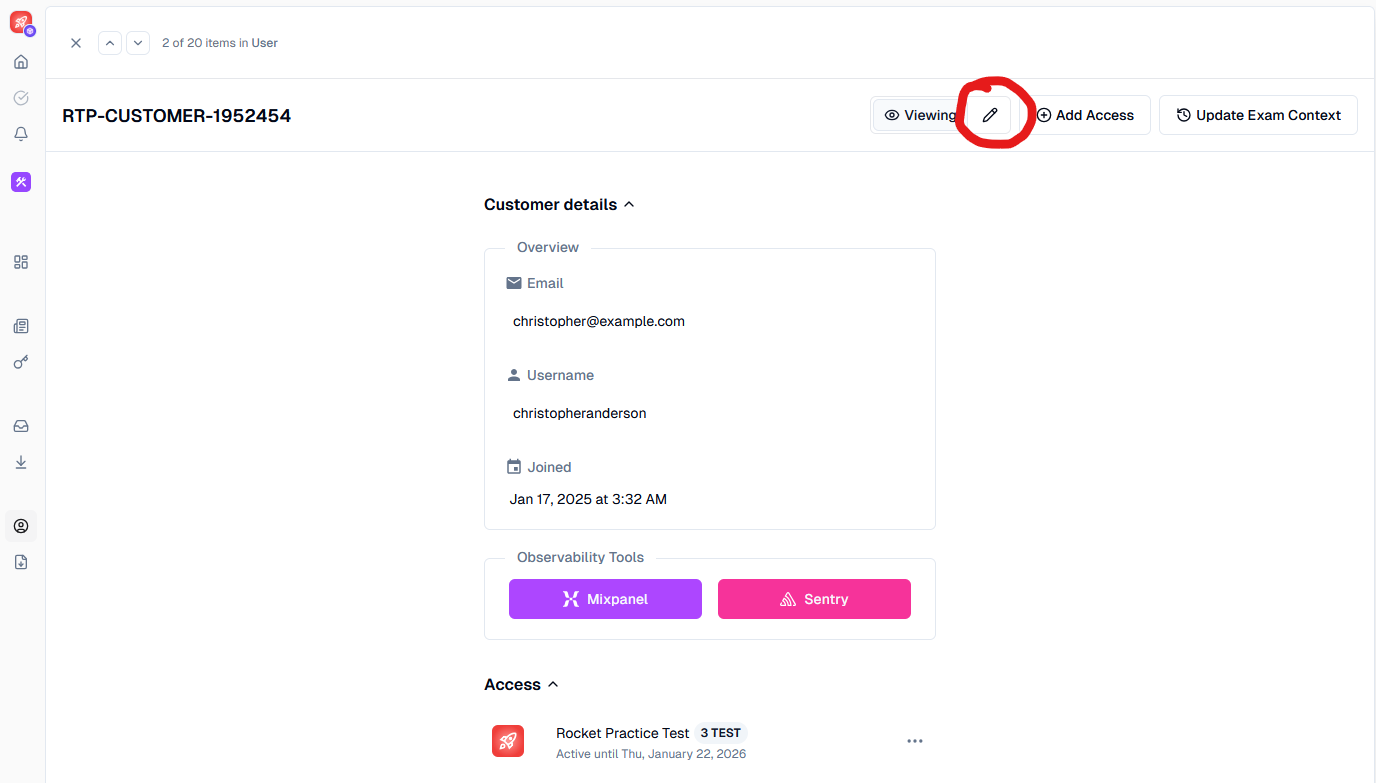
My user says their access code isn't working
The first step is to search the user's email in Memorang Hub to check the status of their Access Code. This will tell you if the code was redeemed, and when.
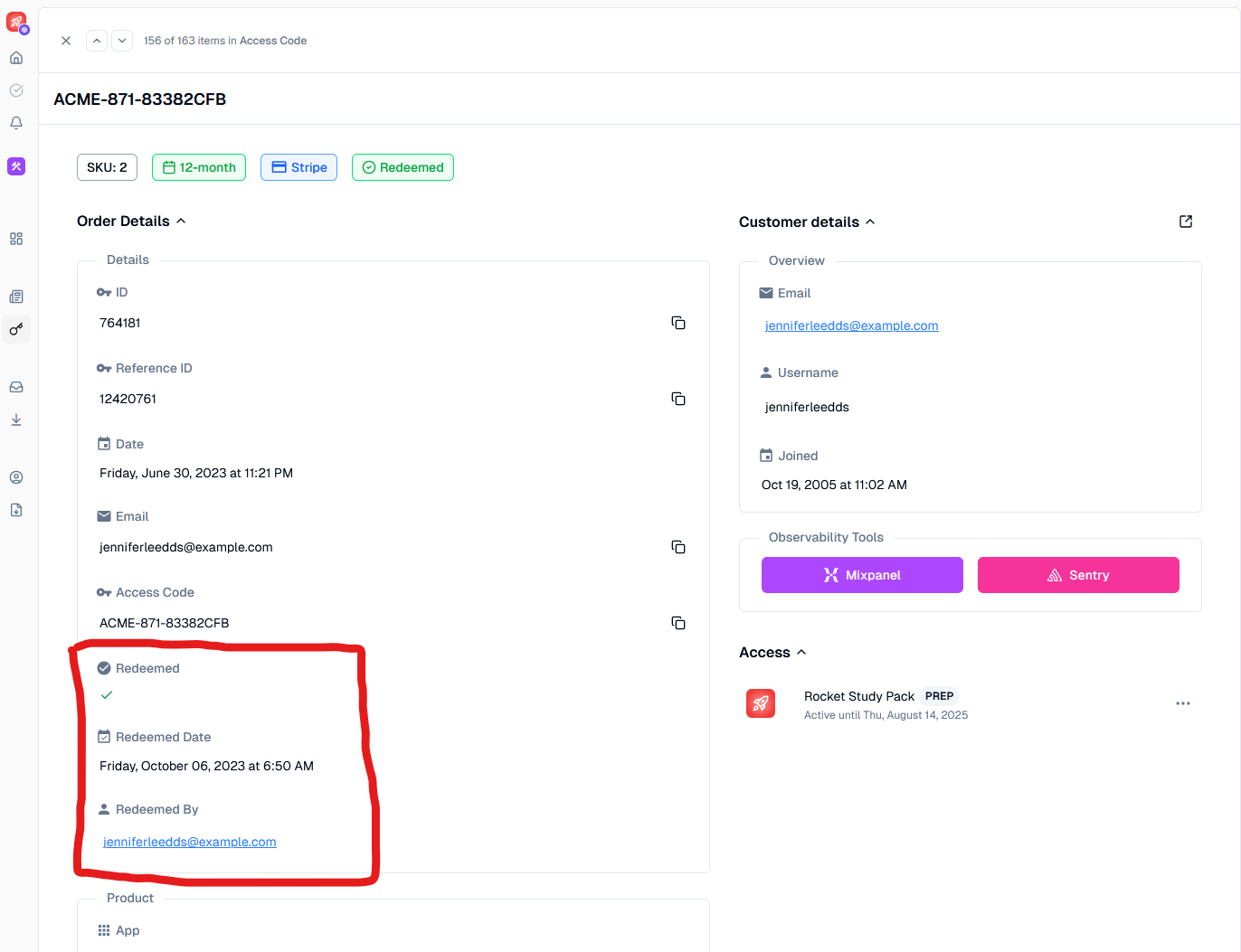
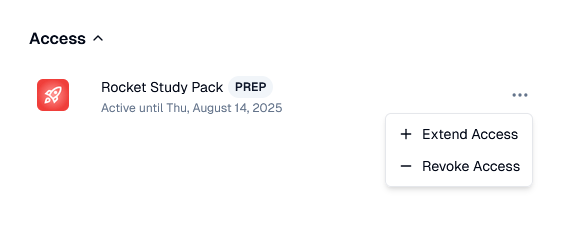
If you'd like to give the user access to a redeemed code, you can manually extend or reset access, then ask them to try again.
My user says their Study Pack is not working
The first thing is to verify that they have access to the Study Pack by searching their email address in Memorang Hub.
If you are using the older Memorang system, please be aware that Study Packs will only work on the iOS or Android app, and will not work through any Web Browsers. Verify that your user is using the proper app if this is a complaint you are receiving.
My user says their Practice Test is not working
Please note that depending on your Organization's configuration, Practice Tests are not available on native iOS only on Web.
My user is experiencing another technical issue
Please contact Memorang directly to report any bugs with our system not answered by the steps above.