How do I set up an android app in RevenueCat?
Purpose
This guide explains how to set up your android app in RevenueCat to enable subscription management and in-app purchases for your Memorang-powered app. By completing this setup, RevenueCat will be able to track purchases made through the google play store, validate receipts, and manage access to premium content. This is a required step for launching monetized features on android.
Steps: Setting up an android app
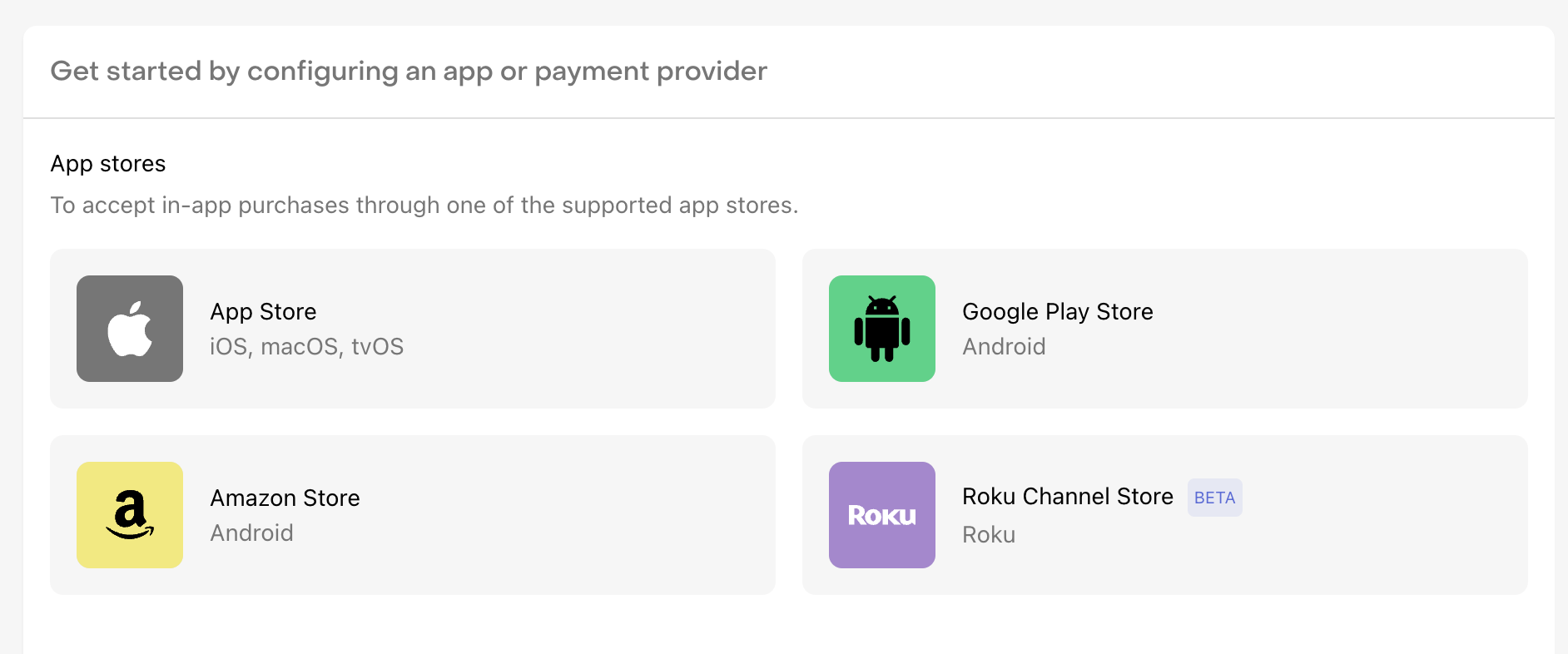
Go to revenue cat dashboard and click on + Add app config button
Select Google play store
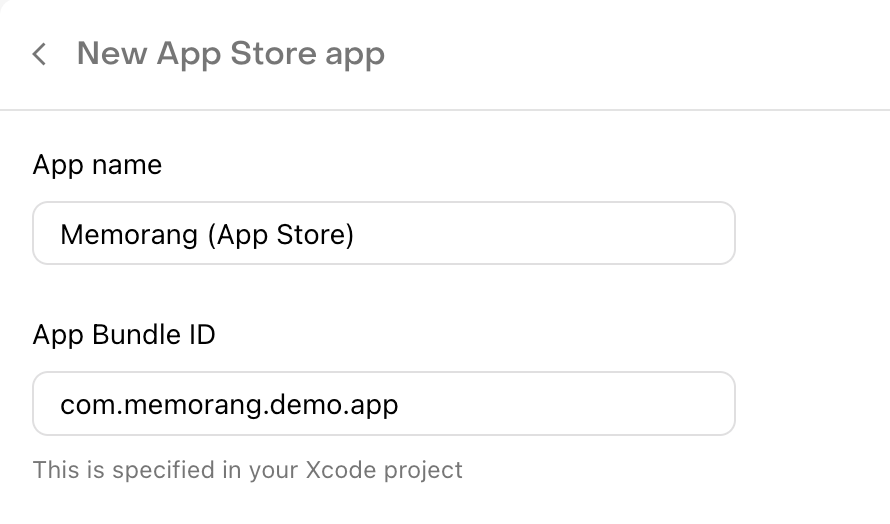
Fill out app name and bundle identifier (app id which is used for iOS must be same for android as well)
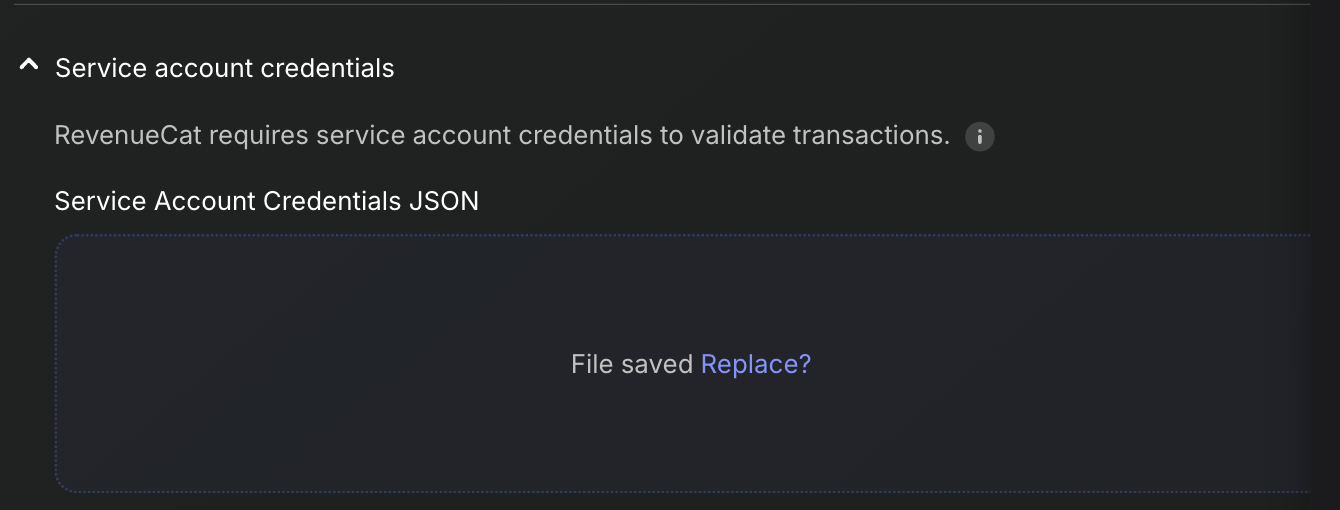
Create service account credentials JSON by following this guide.
In the service account credentials section, upload the downloaded json file and click save changes at the bottom