How do I create a provisioning profile?
Purpose
This guide will help you create an iOS provisioning profile in Apple Developer Center, which is required to build, sign, and distribute your Memorang-powered iOS app. The provisioning profile links your app to your development team, certificates, and device entitlements, and is essential for submitting your app to the App Store or distributing it for testing.
Steps: Creating a provisioning profile
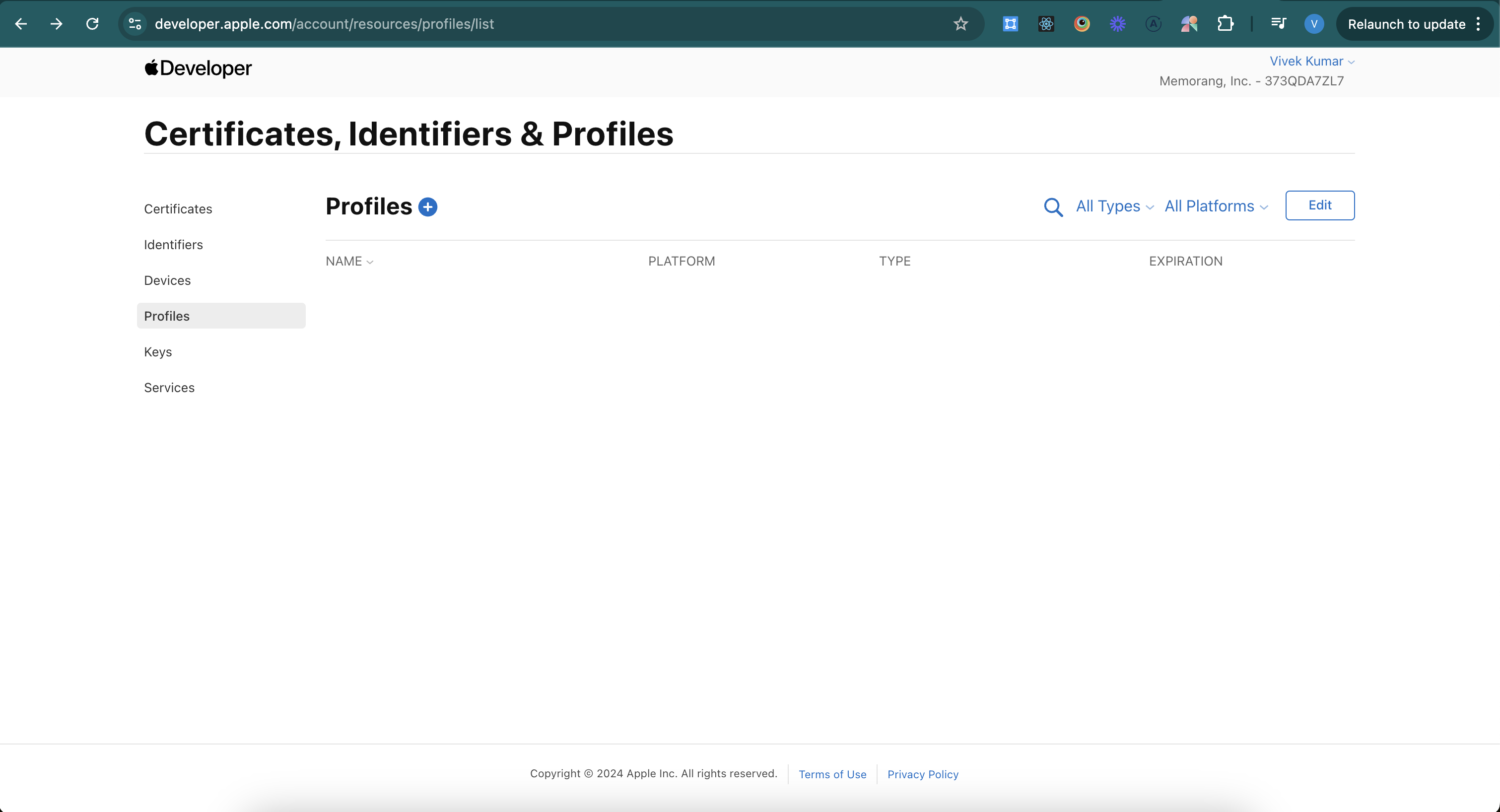
Go to https://developer.apple.com/account/resources/profiles/list
Click on the plus button
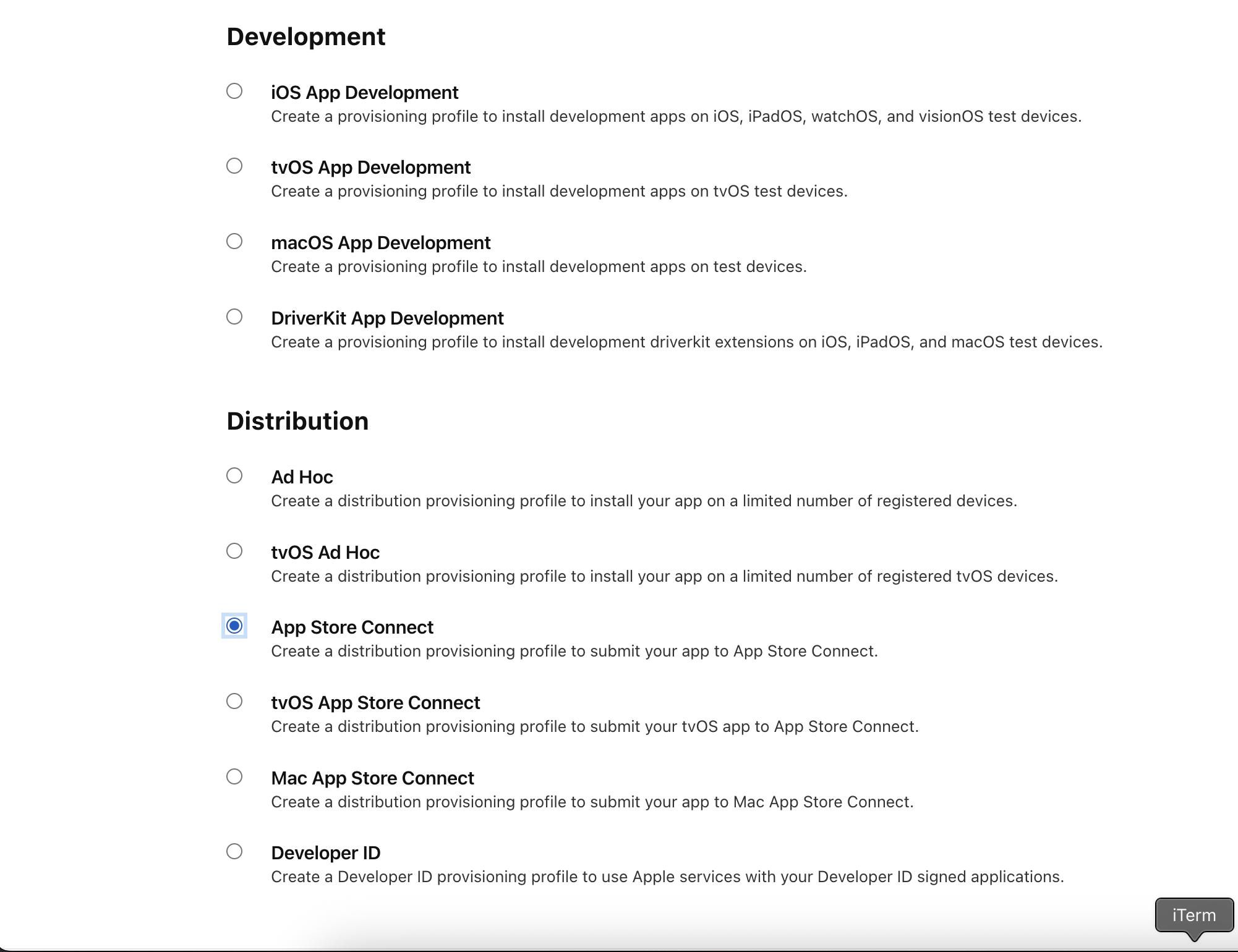
Select app store connect under distribution
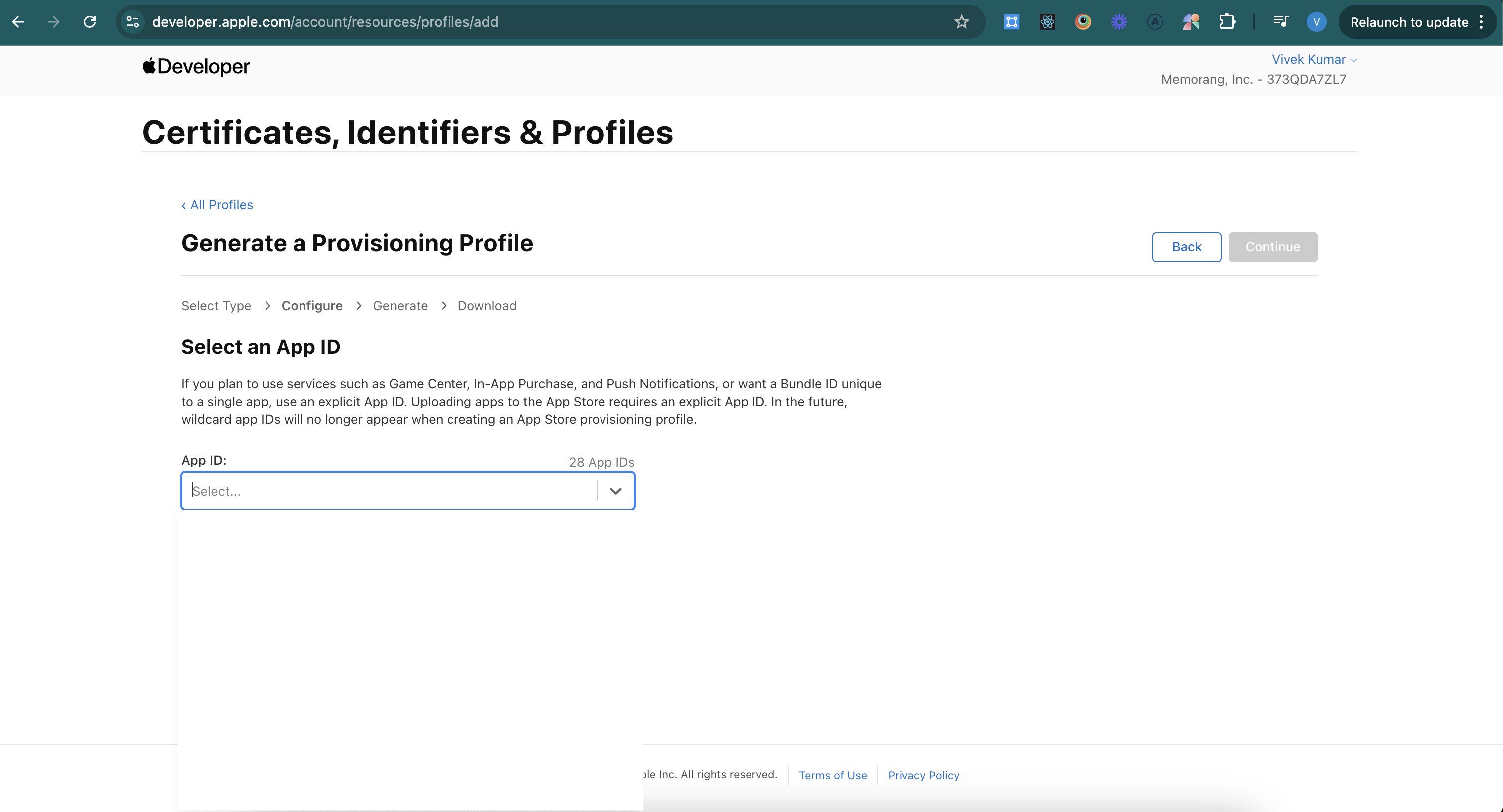
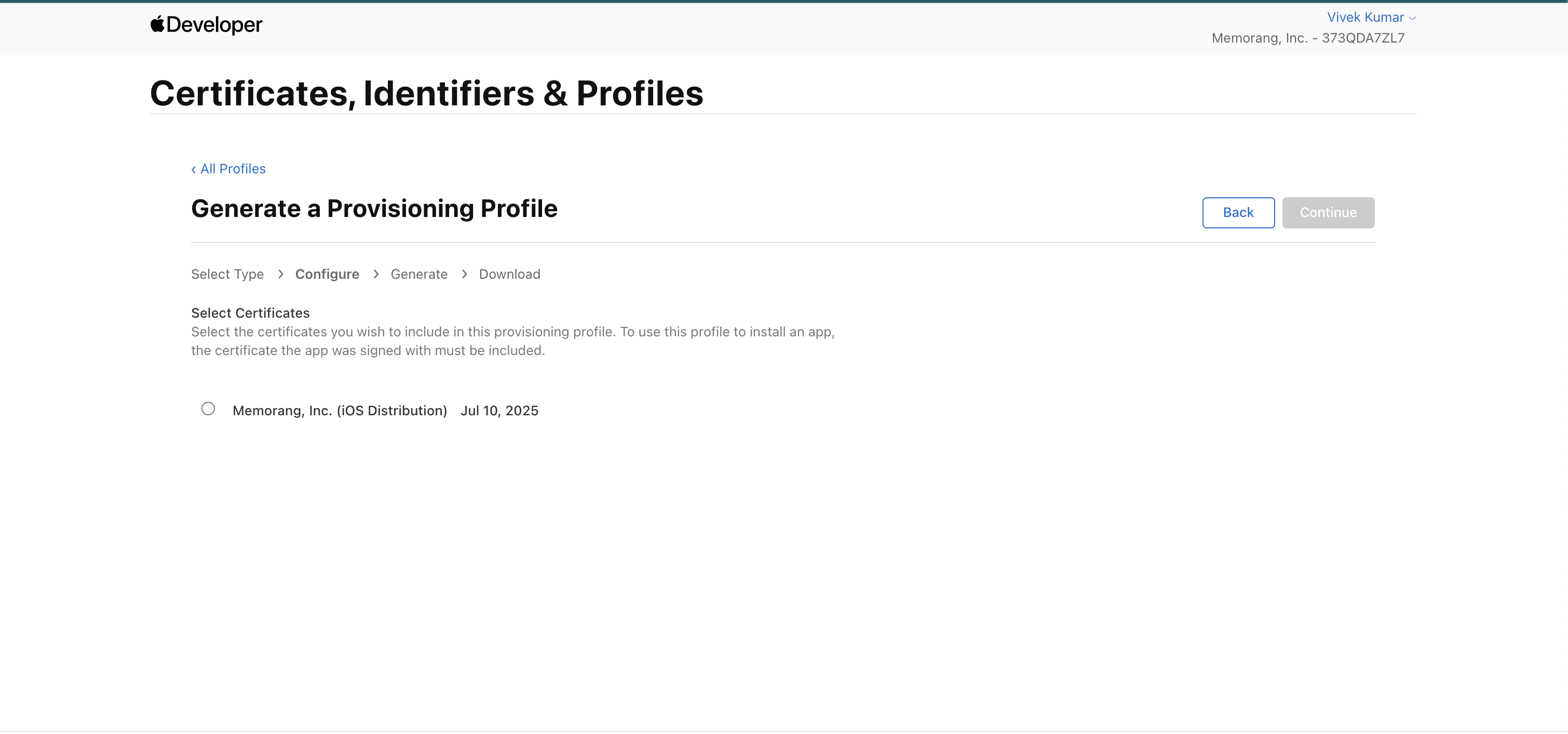
Select the app id and the latest distribution certificate
Select continue and download the .mobileprovision and share it with memorang team